
Why Your Google Business Profile is Your Most Valuable Free Asset
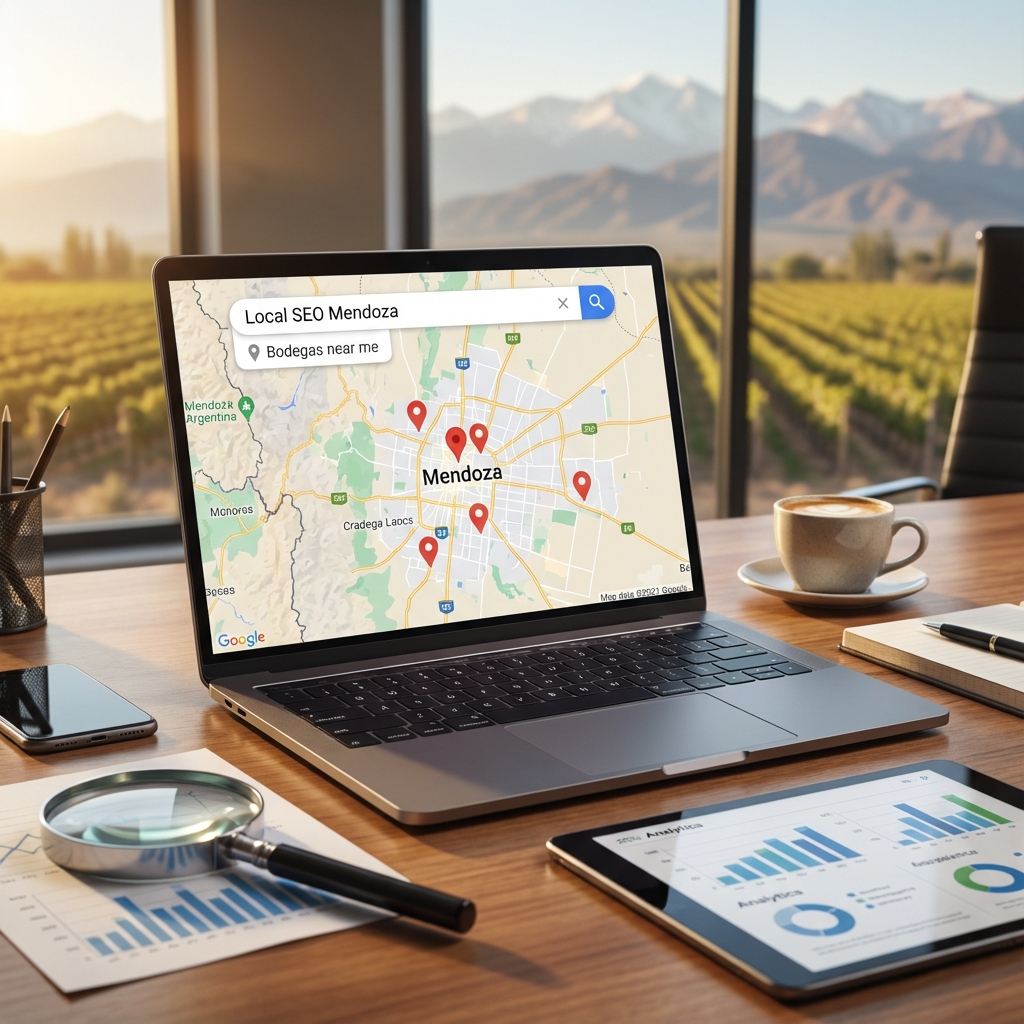
Google Business Profile (GBP) is the only marketing channel where you can rank above paid ads for free. The Map Pack — those top 3 results with photos and a map — appears before all organic results for local searches, and it's completely free to optimize.
A fully optimized GBP can generate more inquiries for your local business than your website, social media, and paid ads combined. Here's how to do it right.
Step 1: Claim and Verify Your Profile
- Go to business.google.com
- Search for your business name
- If it exists, click "Claim this business"
- If not, click "Add your business"
- Verify via postcard (most common), phone, or video
Important: Some businesses in Mendoza find unverified profiles already indexed by Google. Always claim and verify before a competitor or bad actor does.
Step 2: Complete Every Single Field
Businesses with complete profiles receive 7x more clicks than incomplete ones. Don't skip any field.
- Business name: Your real business name only. No keyword stuffing.
- Category: Choose the most specific primary category available. Add up to 9 secondary categories.
- Address / Service area: Physical address if clients come to you; service area if you go to them.
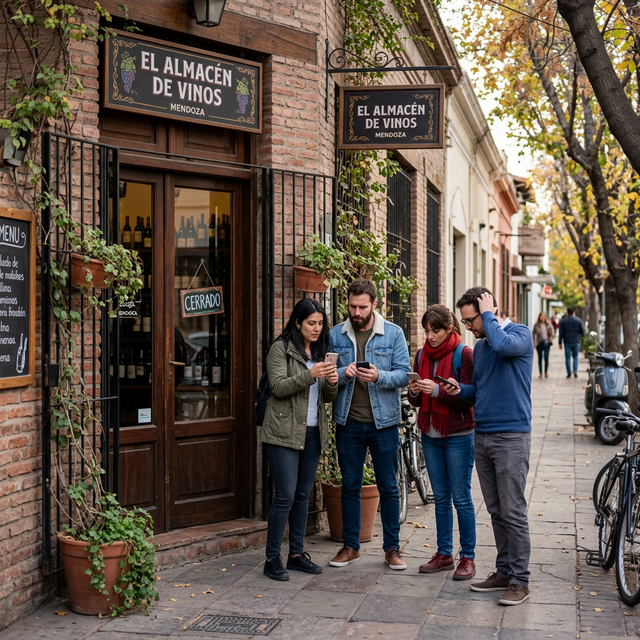
- Hours: Keep these updated. Include holiday hours. Nothing loses customers faster than showing up to a "closed" business when Google said you were open.
- Phone: Use your main business number. This enables click-to-call.
- Website: Link to your main website or the most relevant landing page.
- Products/Services: Add all your products and services with photos and descriptions.
- Attributes: These vary by category but can include things like "wheelchair accessible," "Wi-Fi available," "outdoor seating," etc.
Step 3: Upload Photos Strategically
Businesses with more than 100 photos receive 520% more calls than those with fewer than 10 photos. This is one of the highest-ROI actions you can take on your GBP.
Photo categories to include:
- Exterior (front of your location, street view)
- Interior (clean, well-lit, showing your space)
- Team/Staff (build trust and personality)
- Products/Work (before/after, gallery, samples)
- Customers (if they've consented)
- Videos up to 30 seconds
Step 4: Manage Reviews Actively
Reviews are the #1 trust signal for local businesses. They influence both your Map Pack ranking and whether prospective customers actually choose you.
Review generation strategy:
- Create your review request link in GBP and save it as a short URL
- Send it via WhatsApp or email after every successful job
- Print a QR code and put it at your checkout counter or in invoices
- Respond to ALL reviews within 24-48 hours
- For negative reviews: respond professionally, never defensively
Step 5: Post Weekly
GBP posts appear in your listing and can highlight offers, news, events, and products. Google signals that active, posting profiles rank better than dormant ones.
- Post at least once per week
- Include a photo with every post
- Add a call-to-action button (Book, Call, Learn more, Buy)
- Highlight offers with specific expiry dates
Step 6: Monitor Your Insights
Track monthly:
- Search queries that triggered your profile
- Number of calls from GBP
- Direction requests
- Photo views vs. competitor photo views
- Booking clicks (if applicable)
"Your Google Business Profile is the most powerful free marketing tool available to local businesses. Most owners set it up once and never touch it again. That's your opportunity."
Recommended Services
If you are looking to boost your business, we recommend our SEO consultancy in Mendoza or requesting a personalized web design quote.